IS 1.1.1 Occupational Health and Safety Procedure
Lesson: Assemble computer hardware
Lesson: Occupational Health and Safety in PC Assembly and Disassembly
I. Learning Objectives
At the end of the lesson, students should be able to:
- Explain the importance of Occupational Health and Safety (OH&S).
- Apply the 5S principles in the workplace.
- Understand the 3Rs in waste management.
- Identify the proper PPE used in Computer Systems Servicing.
- Demonstrate the 10 Occupational Health and Safety procedures in PC assembly and disassembly.
II. Introduction
Computer assembly and disassembly involve handling sensitive electronic components and electrical devices. Following Occupational Health and Safety (OH&S) procedures ensures the safety of the technician and protects computer equipment from damage.
Safety should always be the first priority before performing any computer servicing task.
III. The 5S Principles
The 5S methodology is a workplace organization system that promotes efficiency, cleanliness, and safety.
| 5S Principle | Japanese Term | Description |
|---|---|---|
| Sort | Seiri | Remove unnecessary tools and materials from the workplace. |
| Set in Order | Seiton | Arrange tools and materials properly for easy access. |
| Shine | Seiso | Keep the workplace clean and free from dust. |
| Standardize | Seiketsu | Maintain consistent workplace organization and procedures. |
| Sustain | Shitsuke | Develop discipline in maintaining cleanliness and safety. |
IV. The 3Rs of Waste Management
The 3Rs help reduce waste and protect the environment during computer servicing activities.
| 3Rs | Description |
|---|---|
| Reduce | Minimize the use of unnecessary materials and resources. |
| Reuse | Use functional components and materials again whenever possible. |
| Recycle | Dispose of electronic waste properly through recycling programs. |
V. Personal Protective Equipment (PPE) for Computer Systems Servicing
| Image | PPE | Purpose |
|---|---|---|
 |
Anti-static Wrist Strap | Prevents electrostatic discharge that can damage components. |
 |
Anti-static Mat | Protects electronic parts from static electricity. |
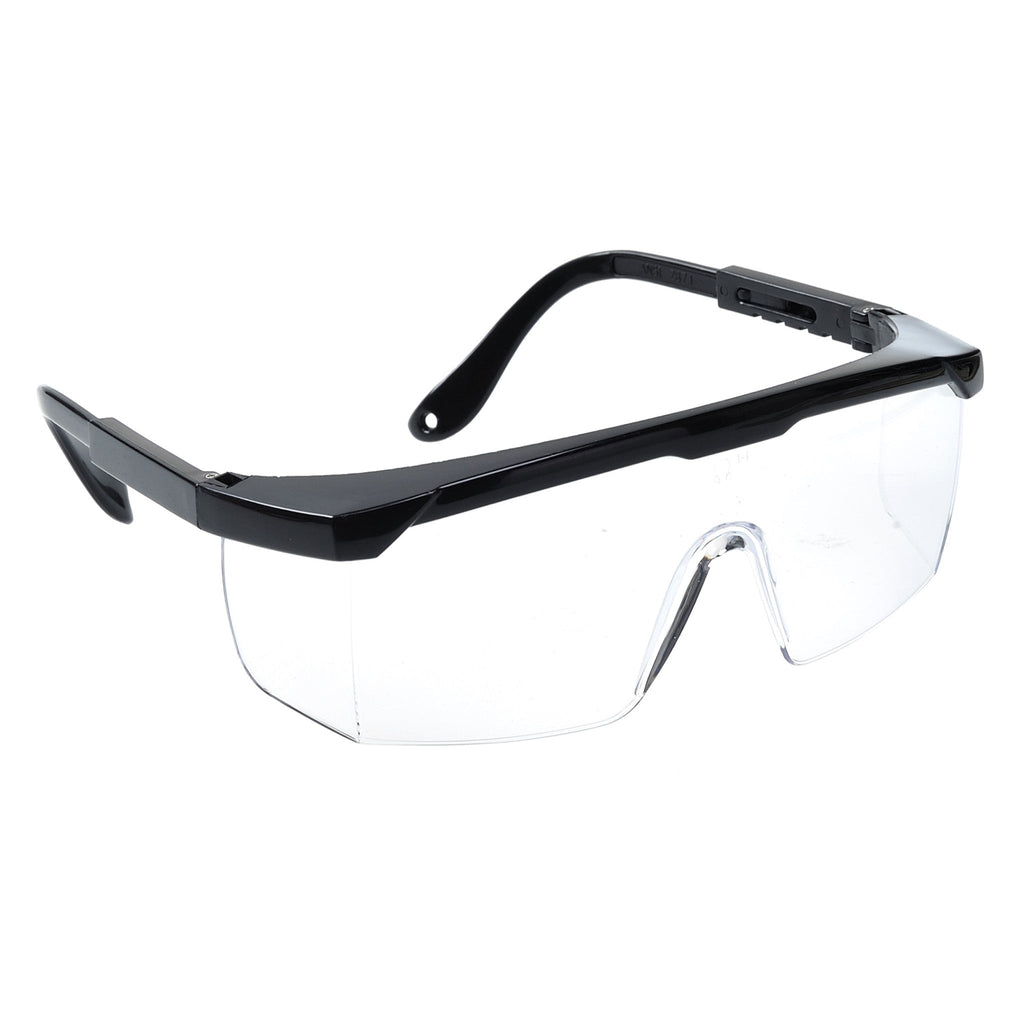 |
Safety Glasses | Protects eyes from dust and small particles. |
| Face Mask | Prevents inhalation of dust during cleaning. | |
 |
Gloves | Protects hands from cuts and sharp edges. |
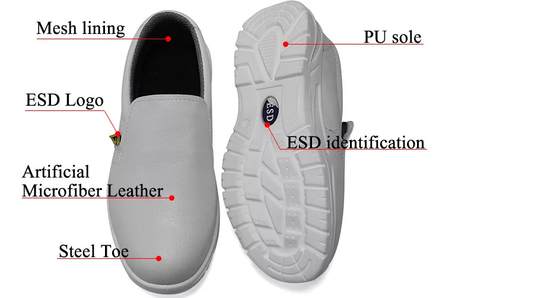 |
Rubber sole shoes | They protect you from electrical shocks by providing a non-conductive barrier, and guard against trips or slips on slippery lab |
VI. 10 Occupational Health and Safety Procedures in PC Assembly and Disassembly
-
Turn Off and Unplug the Computer
Always disconnect power before opening the system unit. -
Wear an Anti-static Wrist Strap
Prevent electrostatic discharge from damaging computer parts. -
Use Proper Tools
Use the correct screwdriver and servicing tools. -
Keep the Workplace Clean
Remove clutter and organize cables and tools. -
Handle Components Carefully
Hold components by their edges and avoid touching circuits. -
Avoid Food and Drinks Near the Workspace
Liquids may cause short circuits and accidents. -
Check Power Cables and Equipment
Inspect cords and devices for damage before use. -
Use Proper Lifting Techniques
Lift heavy equipment carefully to avoid injuries. -
Store Components Properly
Place parts in anti-static bags or containers. -
Follow Manufacturer Instructions
Read manuals and follow proper installation procedures.
VII. Importance of Following OH&S Procedures
- Prevents injuries and accidents
- Protects computer components from damage
- Promotes efficient work practices
- Maintains a clean and organized workplace
- Improves productivity and professionalism
VIII. Video Demonstration
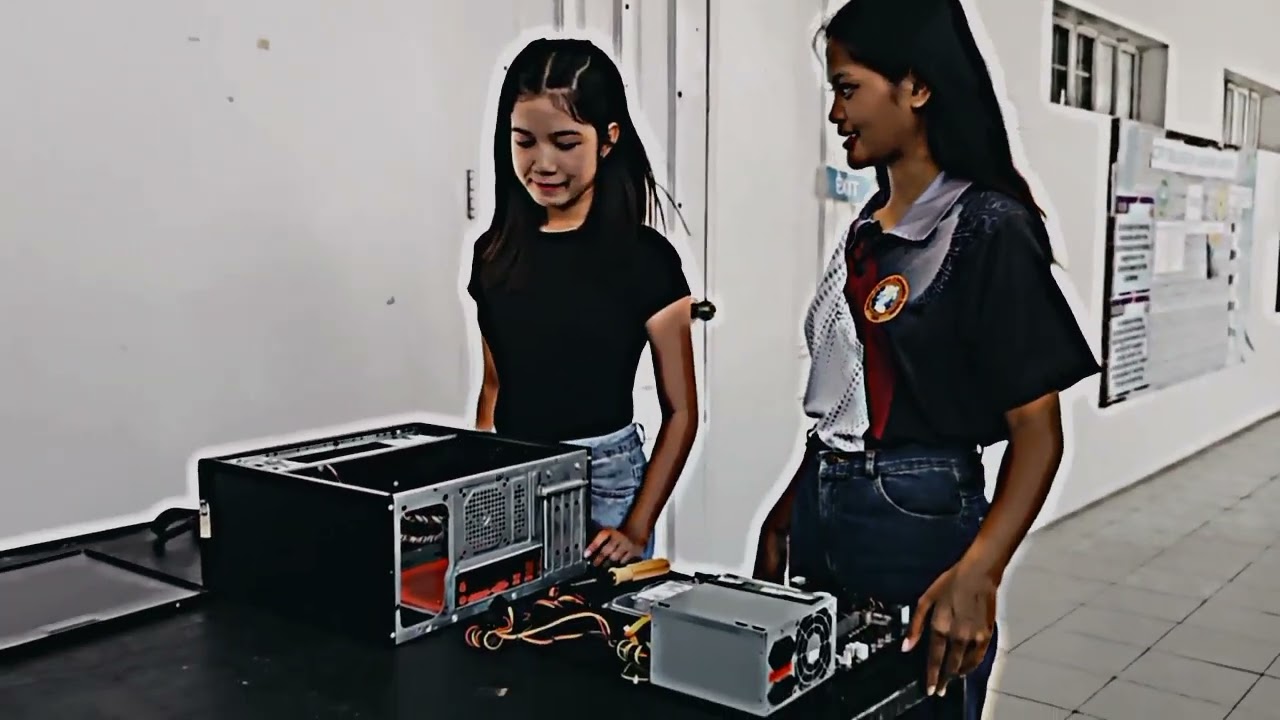
Click the image below to watch the PC Assembly and Disassembly tutorial on YouTube.
IX. References
- Mueller, Scott. Upgrading and Repairing PCs. Pearson Education.
- Andrews, Jean. CompTIA A+ Guide to IT Technical Support. Cengage Learning.
- Occupational Safety and Health Center (DOLE Philippines)
- Cisco Networking Academy – IT Essentials
- CompTIA A+ Certification Resources